Luxon Pay

Check-out with Luxon Pay on WSOP Live

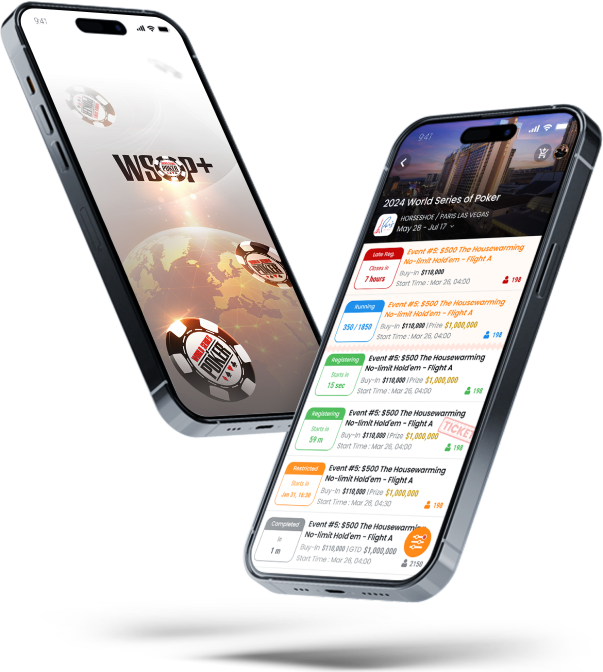
Buy in to major WSOP events via WSOP Live app and check-out with Luxon Pay

Skip the queues and get your seat draw immediately in the WSOP Live app

How to Buy in

  1. Download the WSOP Live app
  2. Log in with your WSOP Live / GG Poker account
  3. Find the series you wish to attend
  4. Select the tournament to play
  5. Click „Register“
  6. Click „Add Ticket to Cart“ or „Purchase Ticket“
  7. At the check-out choose Luxon Pay as a payment option
  8. Log in to Luxon Pay to complete the payment.
  9. Your seat draw* will be available within the WSOP Live app.

*Please note, on your first registration for a festival you will need to verify your registration with the cashier but once that is complete you will be able to register for all tournaments.

Where is Luxon Pay available for WSOP?

  • WSOP Circuit – Playground (23 Mar – 7 Apr 2026)
  • WSOP Europe – King’s Casino / Hilton Prague (31 Mar – 12 Apr 2026)
  • 2026 World Series of Poker – Paris, Las Vegas (26 May – 15 Jul 2026) – registration via Luxon Pay not open yet


Learn more