Luxon Pay

Buy in and get paid for all World Series of Poker events via Luxon Pay

After the success in 2025, it’s no surprise that users can check-out via Luxon Pay within the WSOP Live app for WSOP 2026, and receive their payout back to their Luxon Pay account. Here comes the bigger news, USA customers can now sign up to Luxon Pay and also skip the queues!

Get started

Buy in and skip the queues

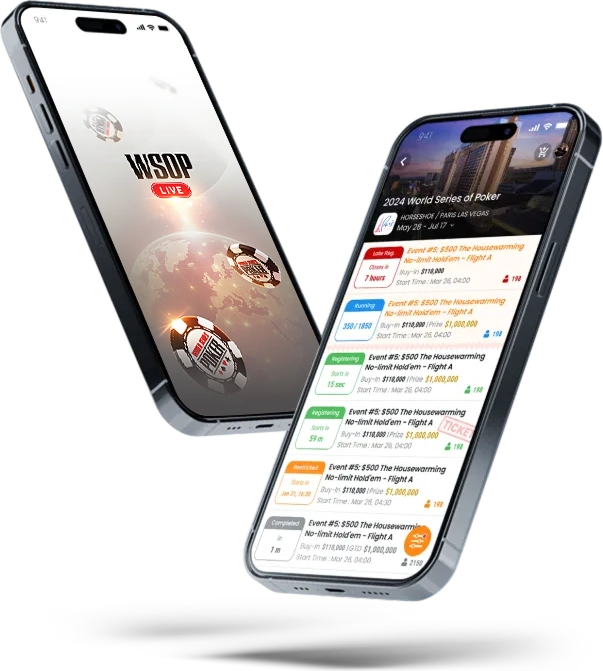
Head to the WSOP Live app, check-out using Luxon Pay and receive your seat draw within the WSOP Live app, no need to queue!
Buy in and skip the queues Buy in and skip the queues

Win a $10,000 WSOP Main Event seat

Every time you check-out with Luxon Pay for a WSOP buy in via the WSOP Live app you will be entered into a prize draw to win a $10,000 WSOP Main Event seat. Every buy in = 1 entry

Learn more
Win a $10,000 WSOP Main Event seat Win a $10,000 WSOP Main Event seat

Now available for US customers

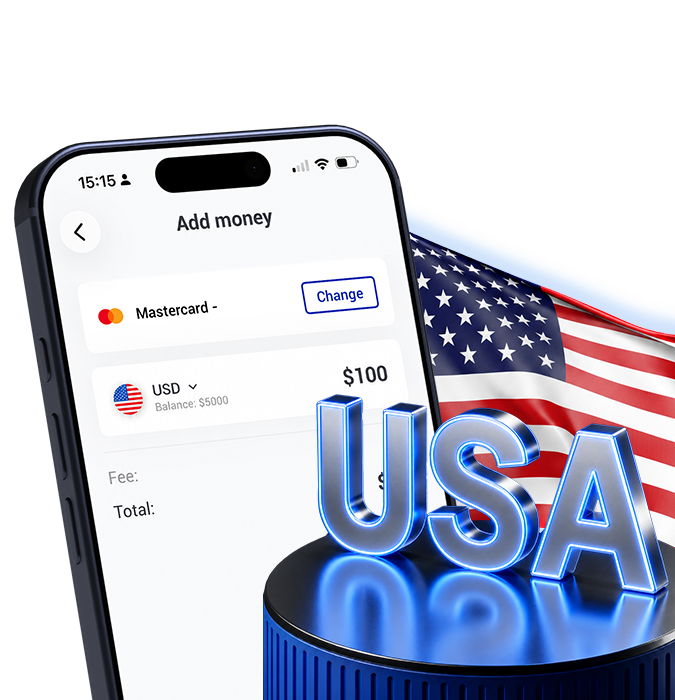
Just in time for the WSOP, Luxon Pay are now accepting customers from the USA! Complete every buy in at your fingertips and skip the queues.
Now available for US customers Now available for US customers

Receive your payout into Luxon Pay

When you reach the money in any WSOP event, simply ask for a cheque at the WSOP cashier, bring it to the Luxon Pay desk and we will bank it and add it direct to your Luxon Pay account

Receive your payout into Luxon Pay Receive your payout into Luxon Pay

Visit us at WSOP

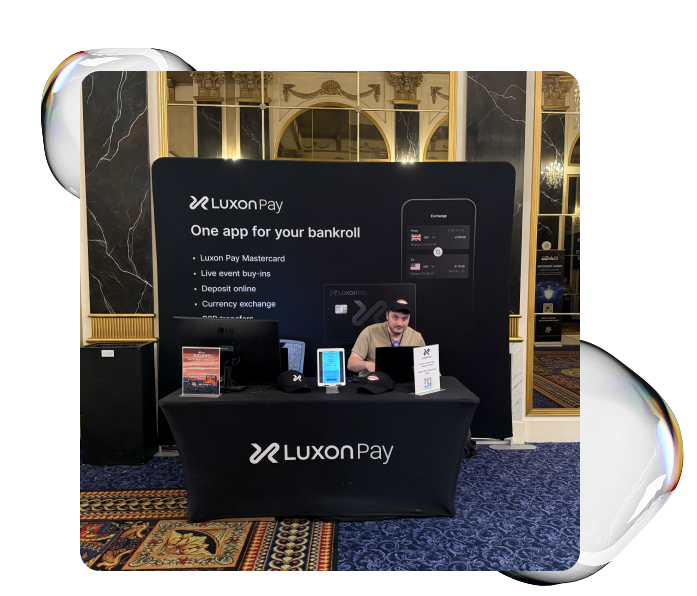
We will be located in Paris hotel close to the main cage. Any questions please come and see us between 09:30 – 17:00
Visit us at WSOP Visit us at WSOP

FAQ

如何购买 WSOP Vegas 活动?

  1. 下载 WSOP Live app
  2. 登录您的 WSOP 账户或者创建账户
  3. 点击 WSOP Vegas 狂欢并选择您想要畅玩的活动,然后点击“注册”。
  4. 查看如何使用 Luxon Pay 购买活动的抽奖券
  5. 您可以在 WSOP Live app 查看您的席位抽签

购买 WSOP Vegas 活动是否有任何手续费?

通过 WSOP Live 和 Luxon Pay 购买 WSOP Vegas 活动没有手续费

如何通过 Luxon Pay 首次购买 WSOP 活动?

首次注册 Luxon Pay 需要在巴黎会议中心区的香槟宴会厅进行现场验证。注册完成后,您必须在 WSOP 验证区域出示有效的 ID。ID 上的名字必须匹配锦标赛注册时的名字以及进行 Luxon Pay 转账时的 Luxon Pay 账户名。请在 WSOP 活动开始前至少一个小时完成首次 Luxon Pay 注册。

通过 Luxon pay 进行初次购买和亲自验证后,您可以使用 Luxon Pay 交易方式注册其他的 WSOP 活动。完成注册后,您可以在 WSOP Live app 上查看你的抽奖券或者在验证桌面或 WSOP 主页上打印您的抽奖券。

处理 WSOP Live 购买活动需要多久?

通过 WSOP Live 购买活动即时生效。

如果您是首次通过 WSOP Live 和 Luxon Pay 购买活动,请留出至少 1 小时的时间完成现场验证。

通过 WSOP Live 注册后,我是否自动进入锦标赛?

如果有空余座位,则您的座位抽奖信息将显示在 WSOP Live 应用程序中。如果您是延迟注册/候补,且当下没有空位,则您将进入延迟注册/候补队列等待分配席位。

如果您是首次通过 WSOP Live 和 Luxon Pay 购买活动,请留出至少 1 小时的时间完成现场验证。

如果我通过 WSOP Live 购买,如何查看我的席位抽签信息?

如果座位可用,则您可以在 WSOP Live 应用中获得您的席位抽签信息。

WSOP 期间是否可以联系 Luxon Pay 员工?

可以,Luxon Pay 的员工团队会出现在巴黎会议中心区的 Luxon Pay 展台,他们将在当地时间 09:30 – 17:00 期间提供服务。 在此时间段外,请发送邮件至 wsop@luxon.com.

我需要使用哪种货币购买 WSOP Vegas 活动?

所有 WSOP Vegas 活动抽奖券都是 USD 货币。

我能否为其他用户购买 WSOP Vegas 活动?

不能,所有的玩家都需要直接通过自己的 Luxon Pay 账户购买。

哪些地区可以通过 Luxon Pay 存款?

如果用户居住在可以使用 Luxon Pay 的国家,则用户可以通过 Luxon Pay 购买 WSOP 活动,因此该服务当前仅面向非美国的客户。

如果我没有账户,我是否可以通过 Luxon Pay 购买 WSOP 活动?

否,您需要通过 Luxon Pay 和 WSOP Live 设置账户才能完成购买。

我是否可以提高我的限制从而购买 WSOP 活动?

Luxon Pay 没有购买 WSOP 活动抽奖券的限制,如果您达到了 Luxon Pay 的存款限制,请联系我们的 24/7 客户支持团队获取帮助。

我已经购买了 WSOP 活动抽奖券但没有办法参加,我是否可以退款?

您可以在活动开始前 24 小时内在线取消或在巴黎区域申请退款。您也可以在活动开始前发送电子邮件至arich@caesars.com 联系 Andy Rich。

通过 Luxon Pay 购买 WSOP 是否有任何促销活动?

Every buy-in via Luxon Pay = 1 raffle entry to win a $10,000 WSOP Main Event seat. Your chance to play the Main Event for free!

Here’s how it works:

  • Buy in to any WSOP Vegas tournament and check-out using Luxon Pay in the WSOP Live app
  • Earn 1 raffle entry per buy-in
  • 1 x $10,000 WSOP Main Event Seat to be won

The prize can be used for WSOP Main Event 2026 or 2027. Full details here >

存款大额资金至 Luxon Pay 的最佳方式是什么?

对于英国和欧洲的用户,我们推荐使用 Luxon Pay 账户详情 / IBAN 发送大额资金。点击主页上的“银行详情”按钮可查看您的个人详情。

对于非英国和非欧盟的用户,存款方式列在您的存款选项中,如需获取银行汇款详情,请联系我们的 24/7 客户支持团队获取帮助。